
Send defaults
On Settings → Profile, you can choose how new envelopes start in Preview & Send. Each envelope can still be changed before you send it.
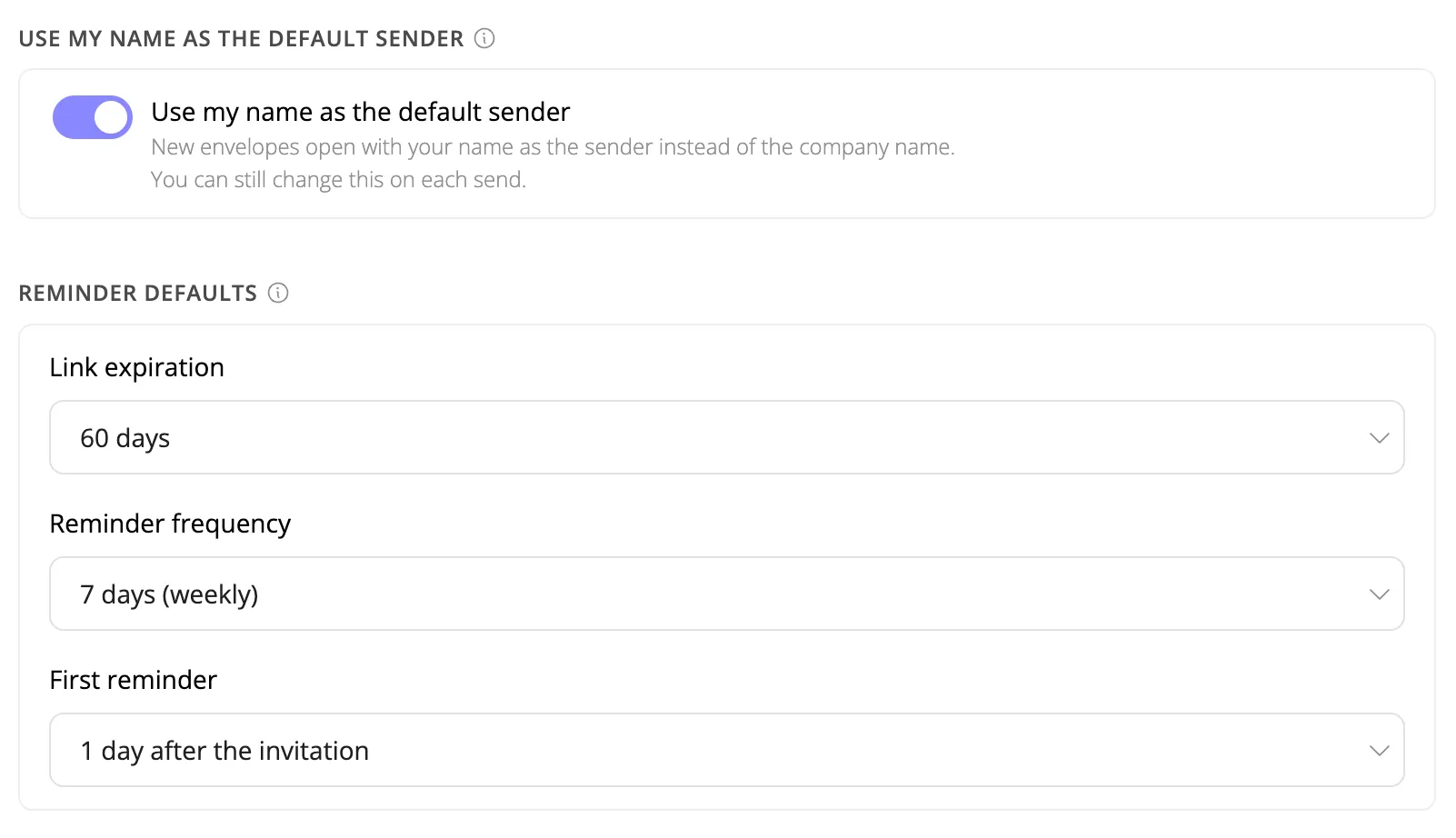
Use my name as the default sender
This switch is off by default. Turn it on so new envelopes start with your personal name as the sender instead of the team name.
On each send, Sender name still offers the team name or My personal name when those names differ. The switch only changes which option is selected first.
Reminder defaults
These values apply to new envelopes, envelopes created from a template, and bulk send. Existing envelopes stay as they are. Duplicating an envelope copies the source envelope, not your profile.
| Setting | Choices | Default |
|---|---|---|
| Link expiration | 7, 14, 30, 60, or 90 days | 30 days |
| Reminder frequency | No reminders, or 3, 5, or 7 days (7 is labeled weekly) | 5 days |
| First reminder | Same as reminder frequency, 4 hours after the invitation, or 1 day after the invitation | Same as reminder frequency |
First reminder appears only when reminders are on. Only frequencies shorter than the chosen expiration are listed. If the expiration is shorter than the reminder interval, reminders are turned off for that new envelope.
Changes save as soon as you update a control.
Related guides
- Preview & Send - expiration, first reminder, and sender name on each envelope
- Envelope Expiration - what happens when a request expires