
Integrate with Raycast
Ce contenu n’est pas encore disponible dans votre langue.
Raycast is a launcher for macOS and Windows. The Subnoto extension adds three commands: upload a document to a workspace, list your workspaces, and browse envelopes. All from the keyboard. Get it from the Raycast Store.
Prerequisites
- Raycast installed (macOS or Windows).
- A Subnoto account with API access. No account yet? Sign up at subnoto.com.
Setup
API keys
Create an API key pair (Access Key and Secret Key) in your Subnoto workspace - see Create API keys. Copy both keys for the extension preferences.
Extension configuration
- Open Raycast and run any Subnoto command (e.g. Upload Document or List Workspaces).
- When prompted, enter:
- API Access Key: your Subnoto API access key
- API Secret Key: your Subnoto API secret key
The extension saves them and uses them for every Subnoto command.
Commands
Upload Document. Choose a workspace, pick a PDF or Word file, and optionally set an envelope title. After upload, the envelope edit page opens in your browser so you can add recipients and signature fields.
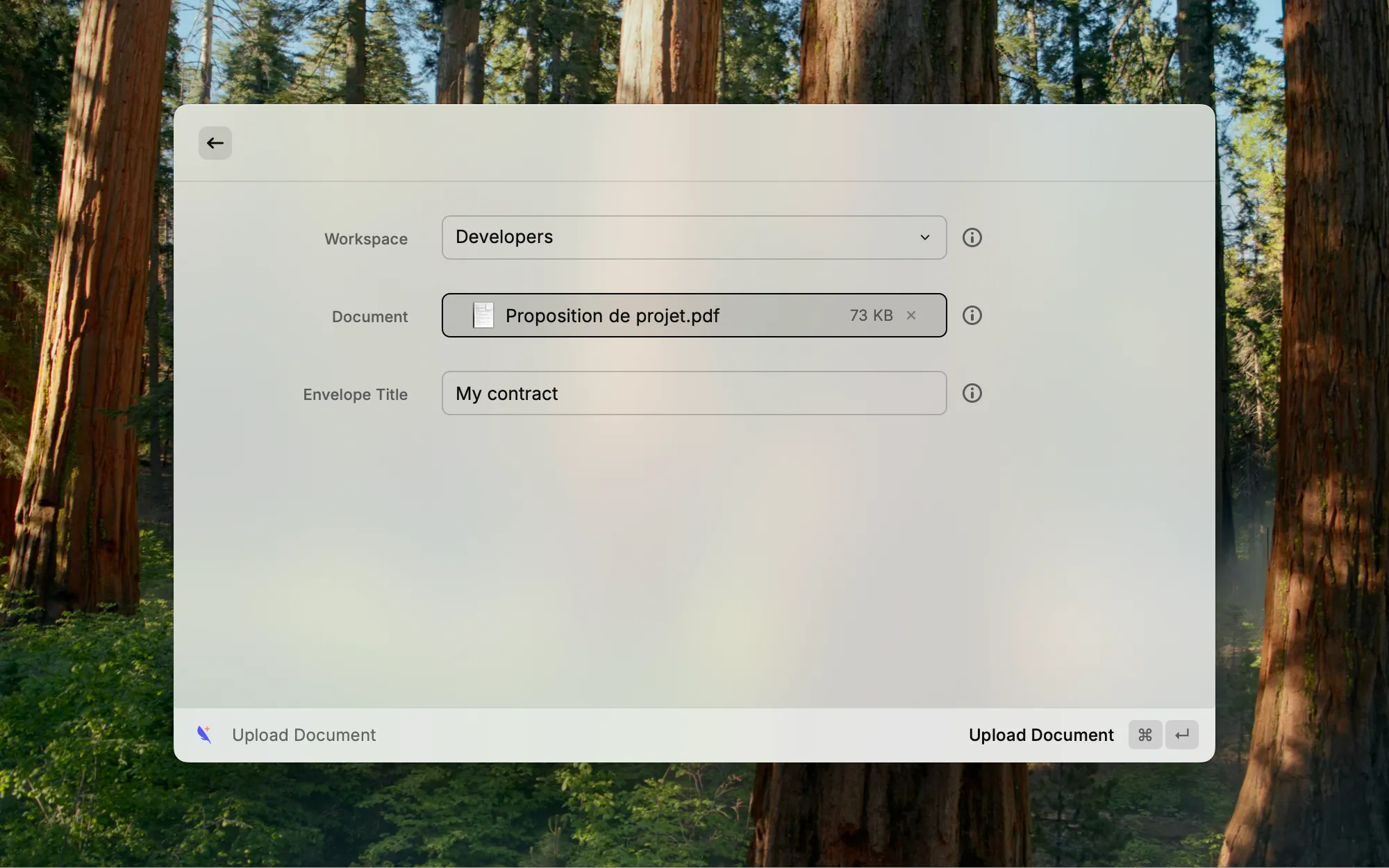
List Workspaces. Shows your workspaces (name and member count). You can open one in Subnoto or copy its UUID.
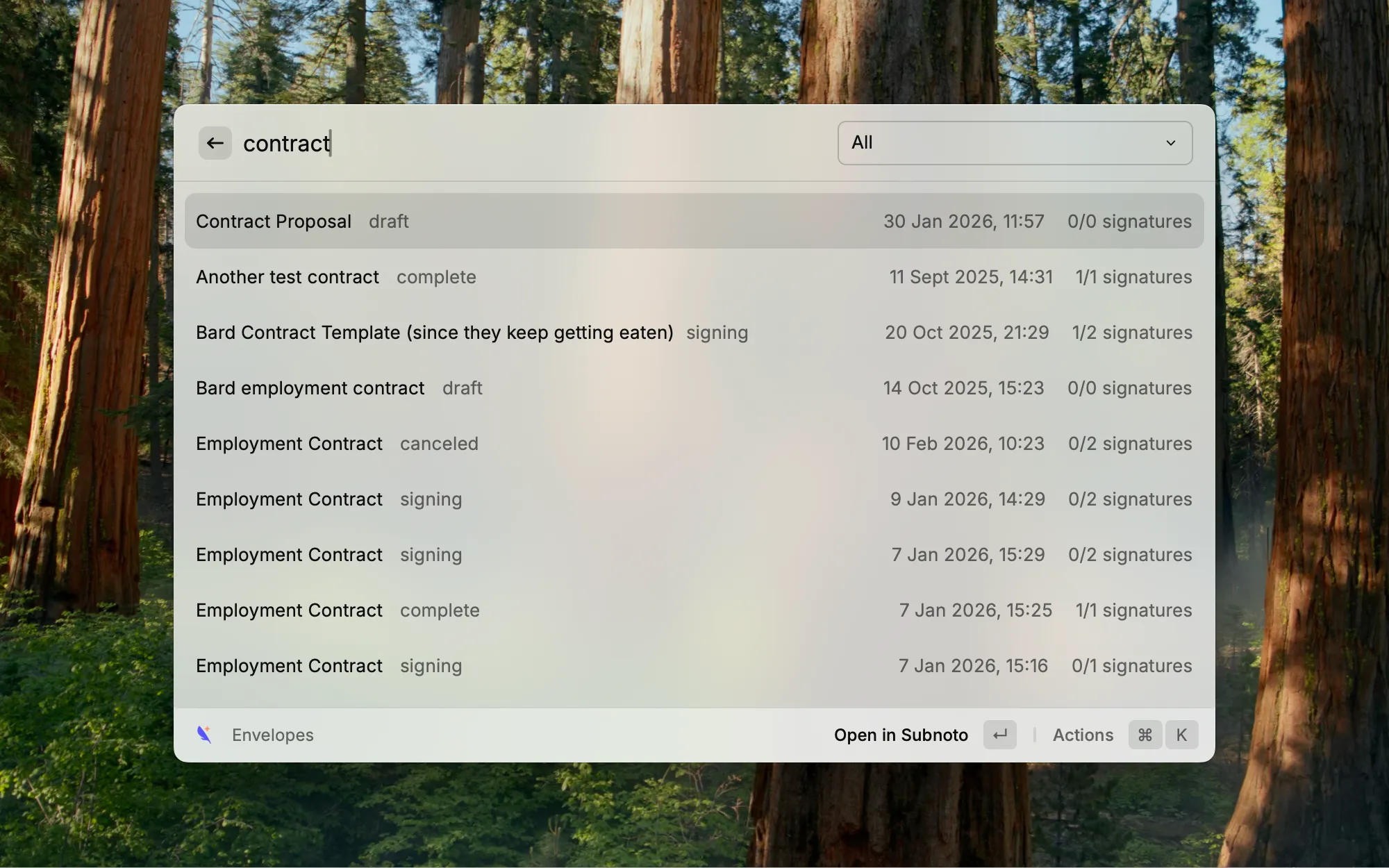
List Envelopes. Filter by workspace or see everything. Search, scroll for more, then open an envelope in Subnoto or copy its UUID.
Supported file types
- PDF (
.pdf) - Microsoft Word (
.doc,.docx) - OpenDocument Text (
.odt) - Rich Text Format (
.rtf)
Maximum file size: 50 MB.