
Create API keys
Ce contenu n’est pas encore disponible dans votre langue.
API keys authenticate your application with the Subnoto API. You use an Access Key and Secret Key pair in the Authorization: Bearer ACCESS_KEY:SECRET_KEY header (or via environment variables when using the Encryption Proxy or SDKs).
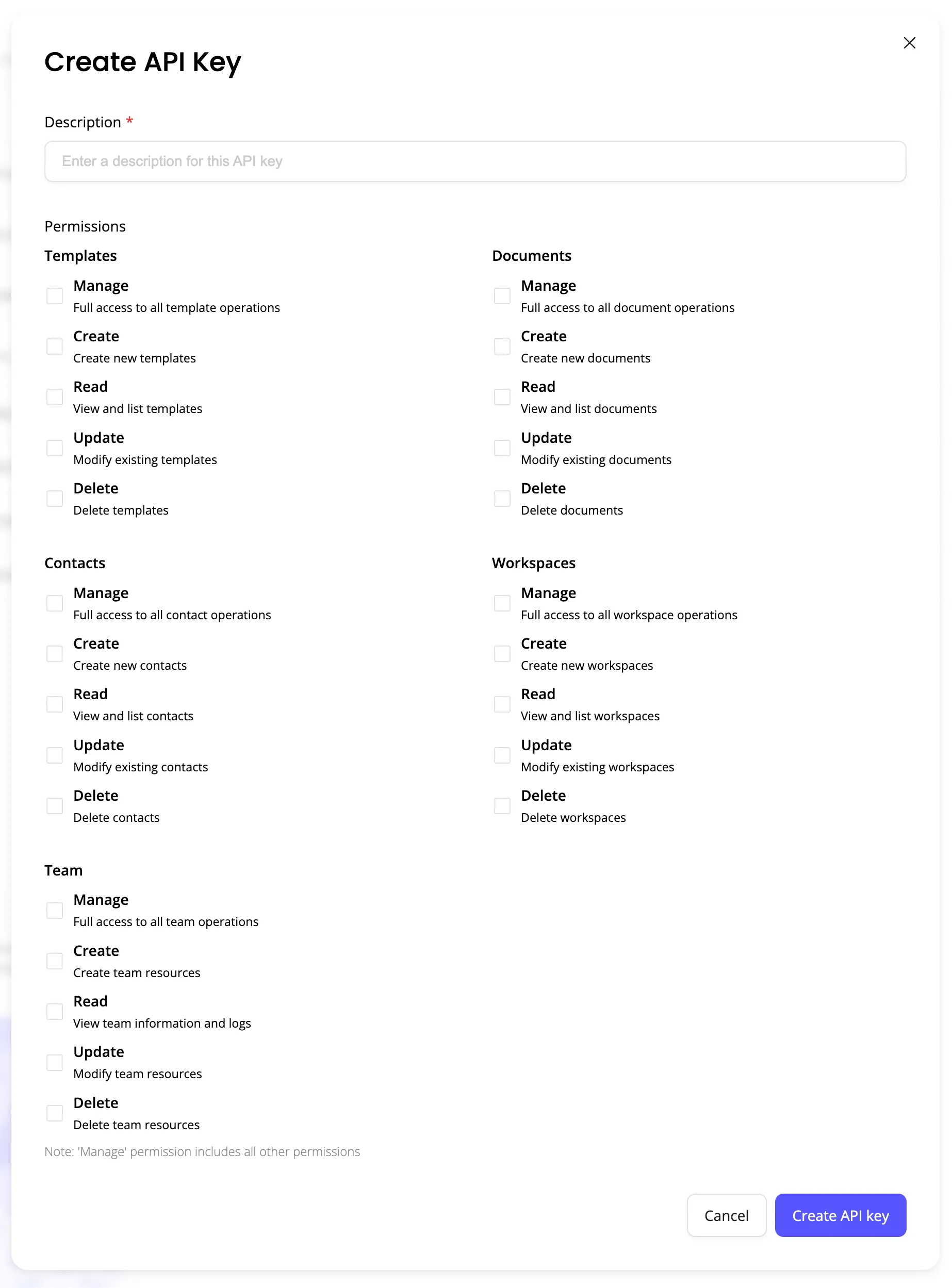
Create an API key
- Log in at app.subnoto.com
- Go to Settings → API Keys
- Click Create new API key
- Copy and store the Access Key and Secret Key securely. The secret is shown only once.
Use the same credentials for the API Proxy, MCP server, SDKs, and direct API calls.
Permissions
When creating or editing a key, you can enable:
- Read Team — Required to list team activity logs (e.g. API key created, member joined)
- Read Envelope — Required to list envelope activity logs and for envelope operations
A key with only Read Team can list team logs; it cannot list envelope logs. Enable the permissions you need for your use case.
Security
- Never expose API keys in frontend or client-side code. Use them only on your backend or in secure environment variables.
- For embedded signing, create the iframe token on your server using your API credentials; never send the key to the browser.