
Use chat to create envelopes, add recipients, and send for signature—or let AI agents run it end-to-end. No app-switching.
Ask your AI assistant to create or send envelopes—e.g. in Claude or Cursor.
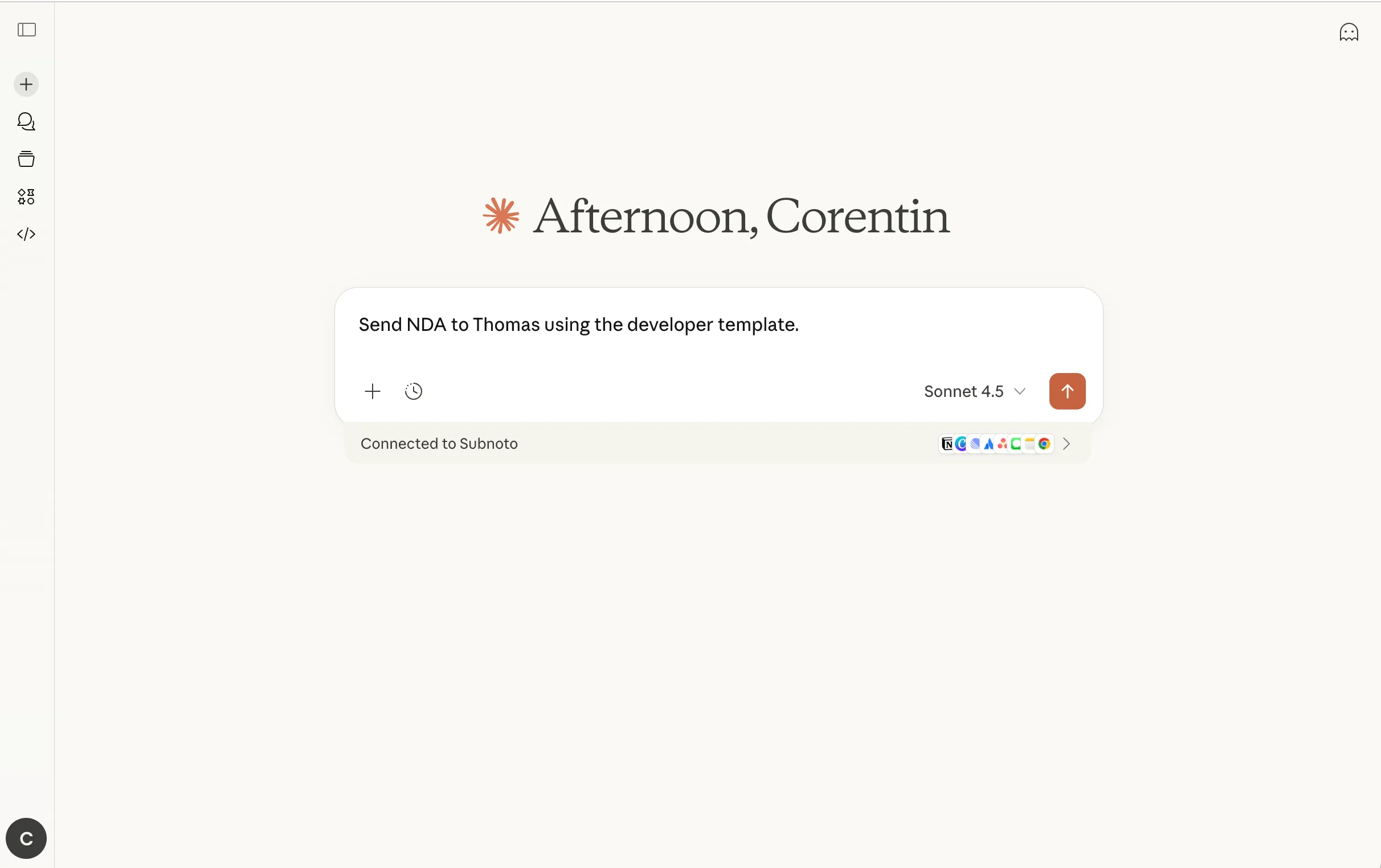
e.g. "Send the NDA to John" or an automated trigger from your tools.
The AI chooses the right MCP tool—for example creating an envelope from a template and adding a recipient.
The MCP server translates the action into secure API calls to Subnoto.
The AI gets JSON back and can confirm in plain language (e.g. "NDA sent to John") or continue the workflow.
Here are examples of AI instructions that MCP can interpret when integrated with AI agents.
No. MCP is a protocol layer that receives requests from your AI systems and translates them into API actions. The Subnoto MCP server exposes Subnoto's API as tools your AI can call.
No. The MCP server is stateless. It does not log or store user data or documents. It forwards requests to the Subnoto API and returns results.
Developers can deploy it easily (Docker, Helm), but business users benefit when MCP is integrated into no-code or low-code AI workflows (e.g. Claude Desktop, Cursor).
Run the container with Docker (stdio for Claude/Cursor, or HTTP for web apps). Set API_ACCESS_KEY and API_SECRET_KEY from your Subnoto workspace. For Kubernetes, use our Helm chart. See the documentation for step-by-step setup.
No. MCP is an extra integration layer alongside the API: the API is the core developer interface, while the MCP server lets AI agents and compatible apps access Subnoto in a standardized, AI-friendly way.
Start with a free trial. Deploy the MCP server with Docker or Helm and connect Claude Desktop or Cursor in minutes.

Privacy-friendly e-signatures made in France 🇫🇷
© 2026 Subnoto. All rights reserved.