We’re kicking off 2026 with a collection of updates focused on giving you more control over how documents get signed. From setting signature order to handling multilingual teams, these changes should make complex signing workflows easier to manage. Here’s what’s changed.
New sending controls
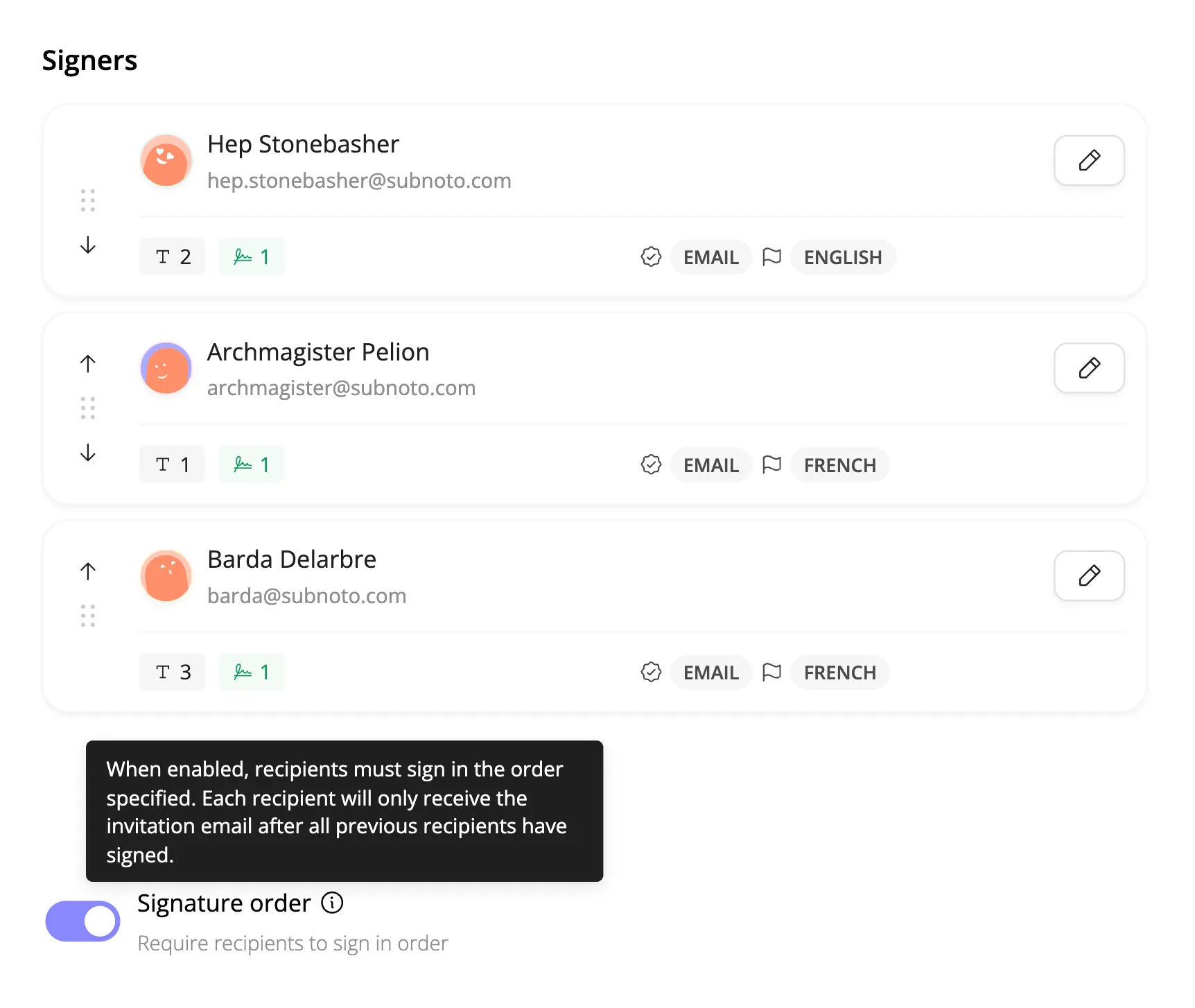
Signature order
You can now control the order recipients sign in. When you’re ready to send a document, use the Preview & Send modal to arrange signers in the sequence you need. Each person receives their invitation only after everyone before them has signed.
Per-signer language settings
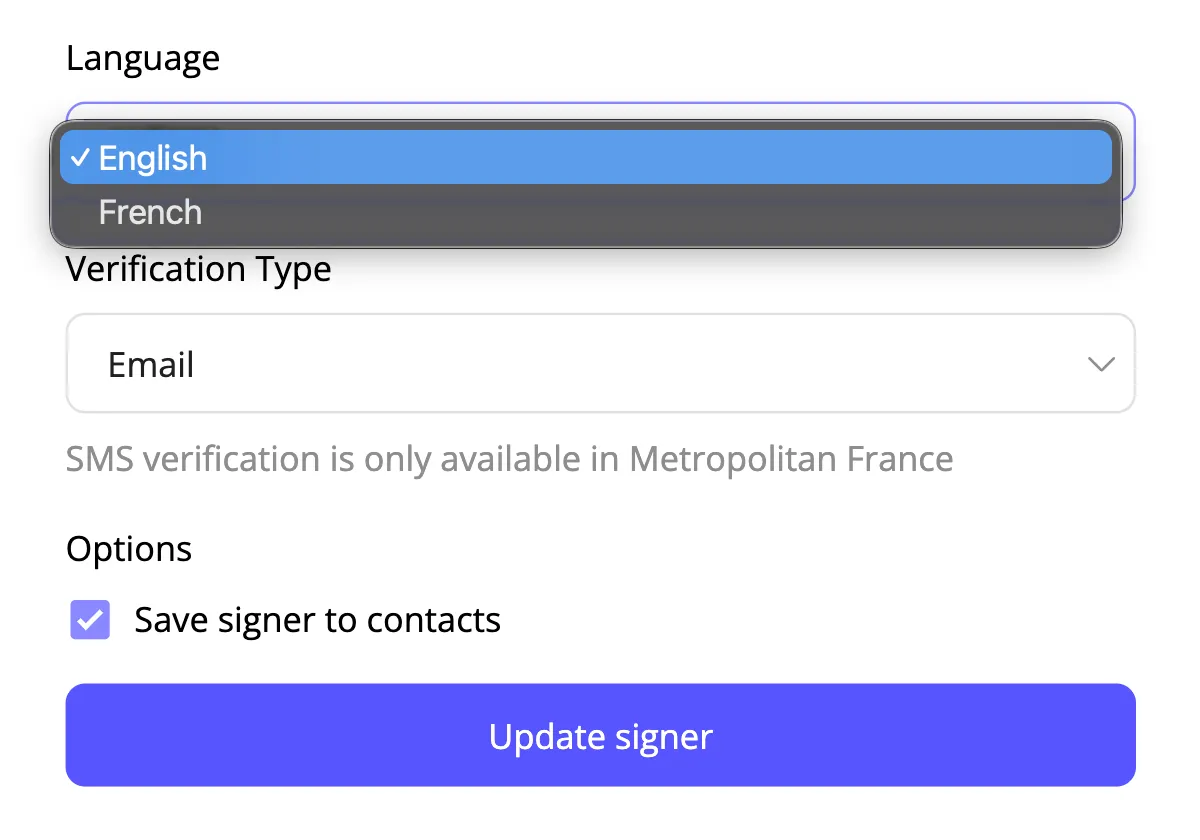
You can set whether each recipient receives their invitation and reminders in English or French. Useful for cross-border contracts or teams with different language preferences.
Expiration and reminders
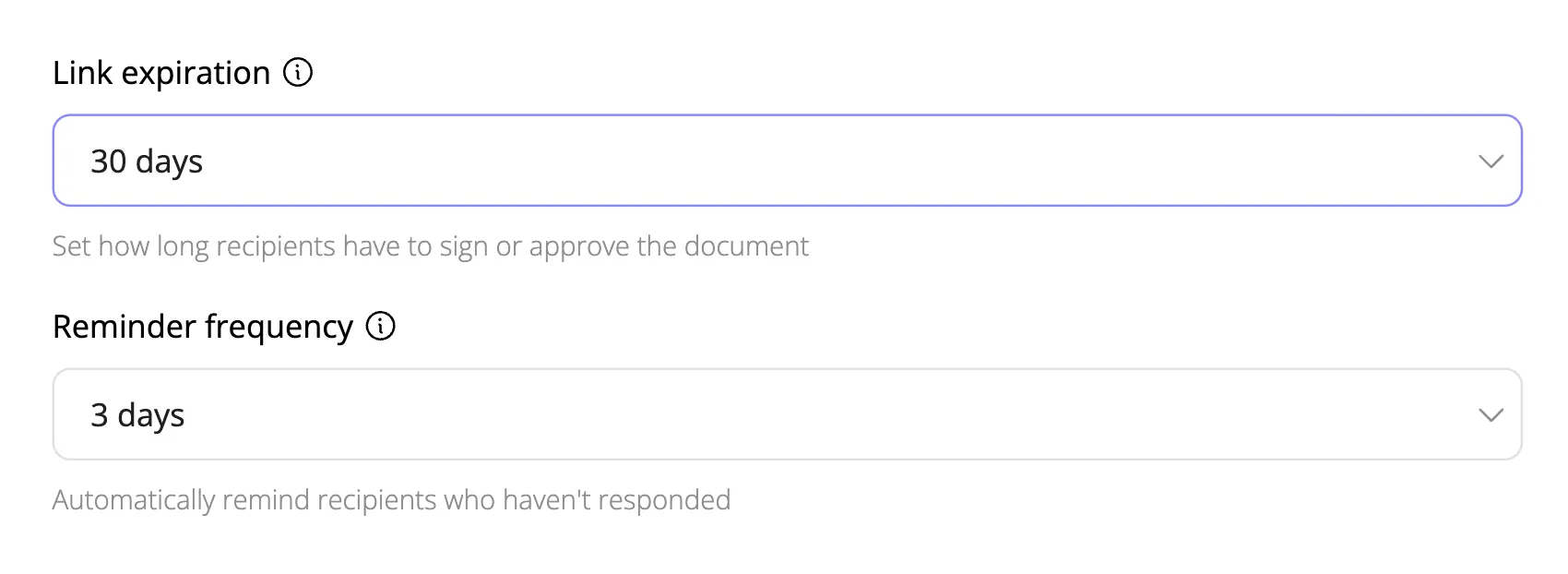
Signing links can now expire after 7, 14, 30, 60, or 90 days (30 is the default). You can also set automatic reminders to go out every 3, 5, or 7 days, or keep them off if you’d rather follow up manually.
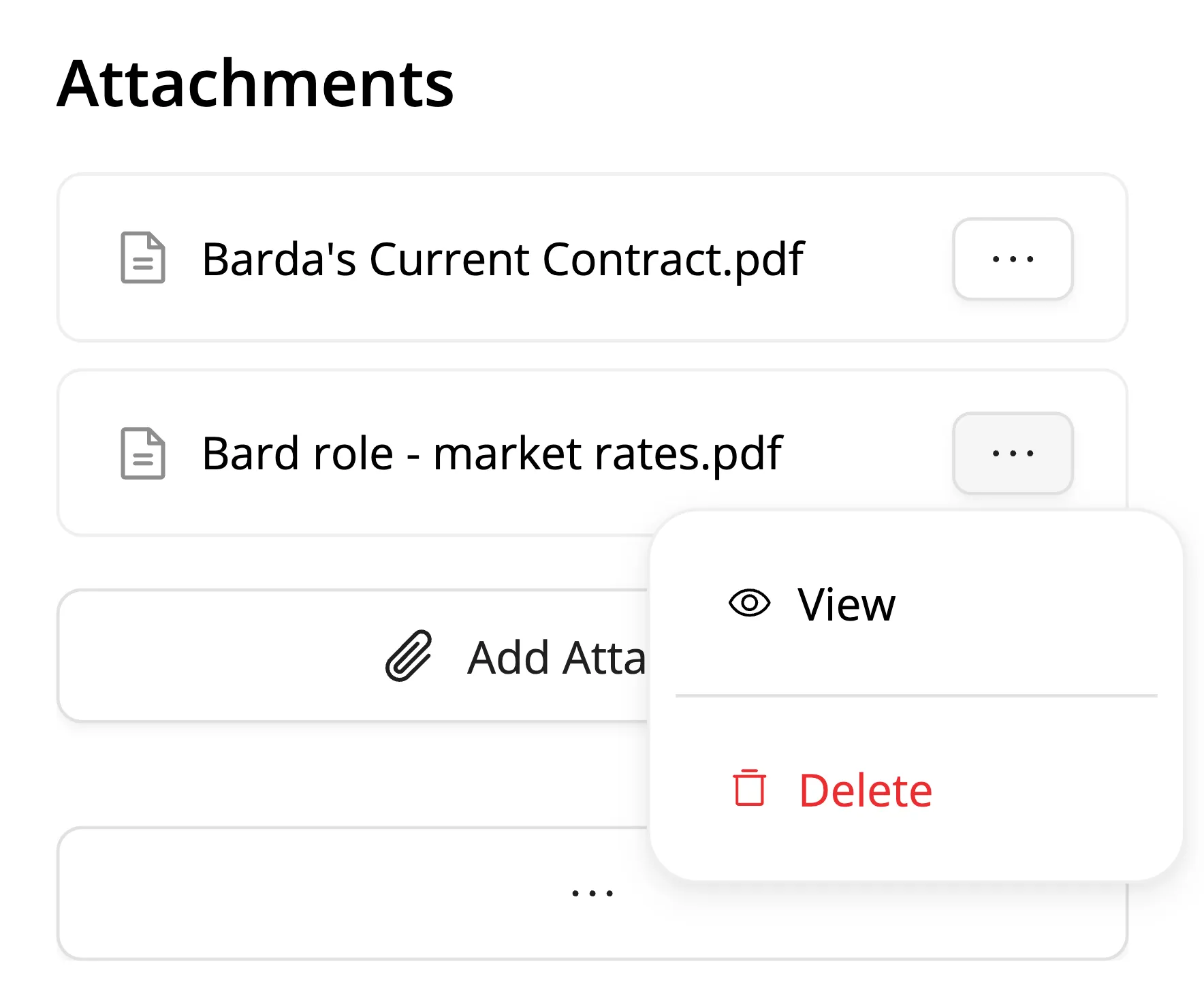
Supporting documents
You can now attach PDF or DOCX files to provide additional context to recipients. These documents are included in the signing request for recipients to view and download, but they don’t require signatures. Useful for including reference materials, terms and conditions, or background information alongside the main contract.
Document editor improvements
Better PDF navigation
We redid our PDF navigation. It’s fast. Really fast.
We think this might be the fastest PDF viewer on the market.
(If you find examples we need to beat that seem faster, please don’t hesitate to show us.)
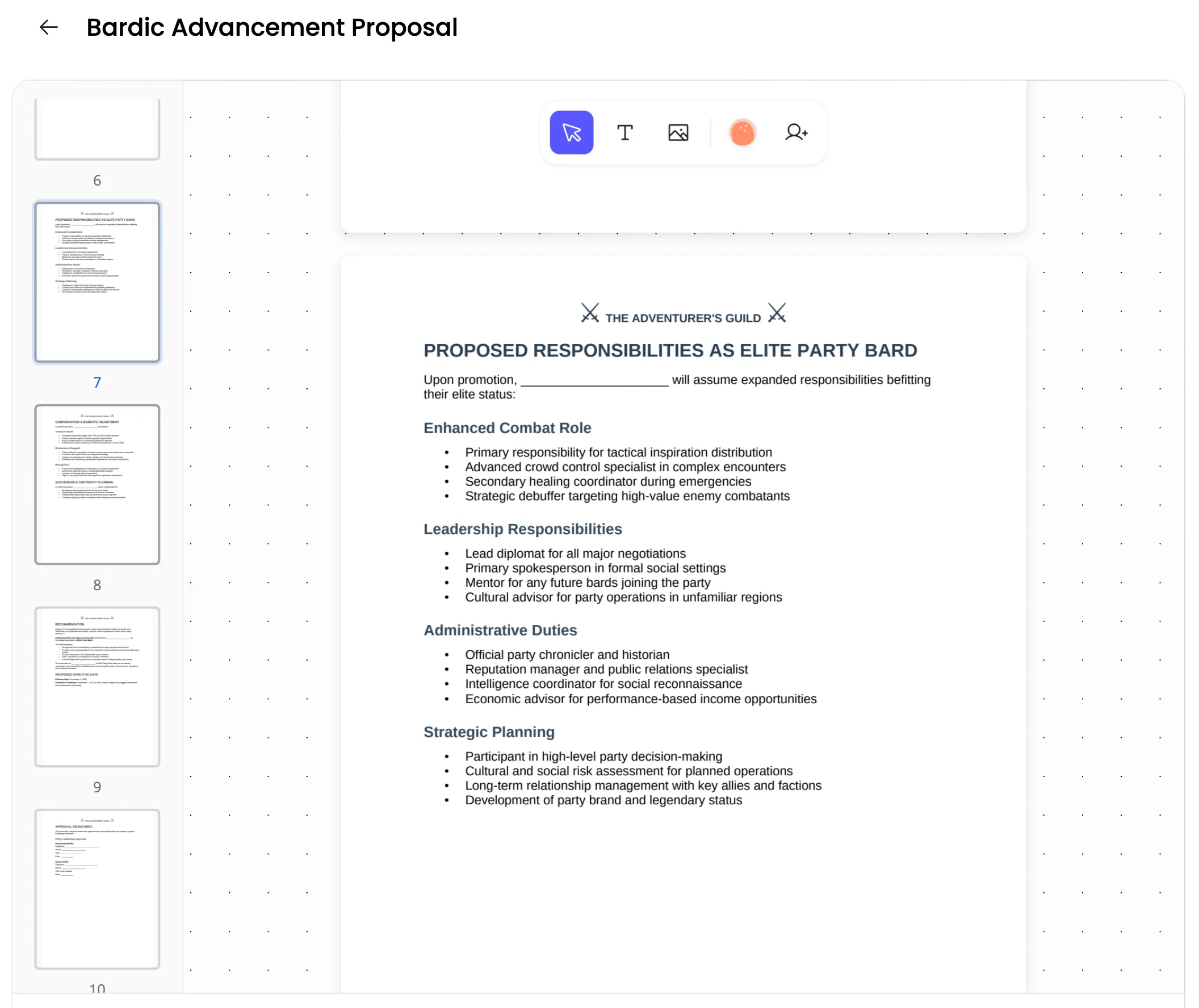
There’s now a page thumbnails sidebar that lets you jump to any page in a document instead of scrolling through everything. We hope this makes long documents easier to navigate.
New field types
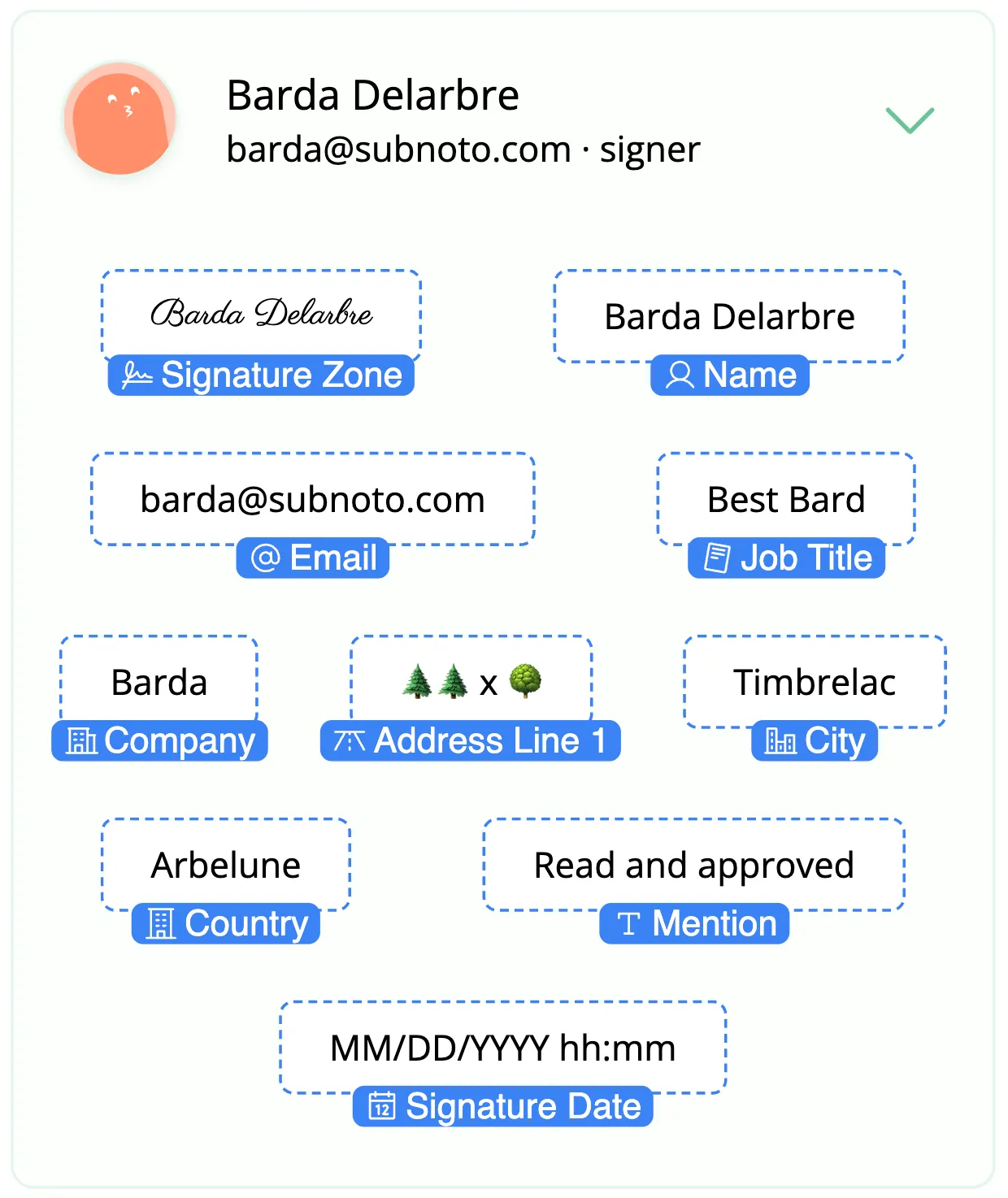
We added signature date/timestamp fields that you can place separately from signature blocks, plus a “Read and approved” field for French-style lu et approuvé requirements.
Supplemental information about a recipient — company, job title, and address — can also be added as fields.
Smoother text editing
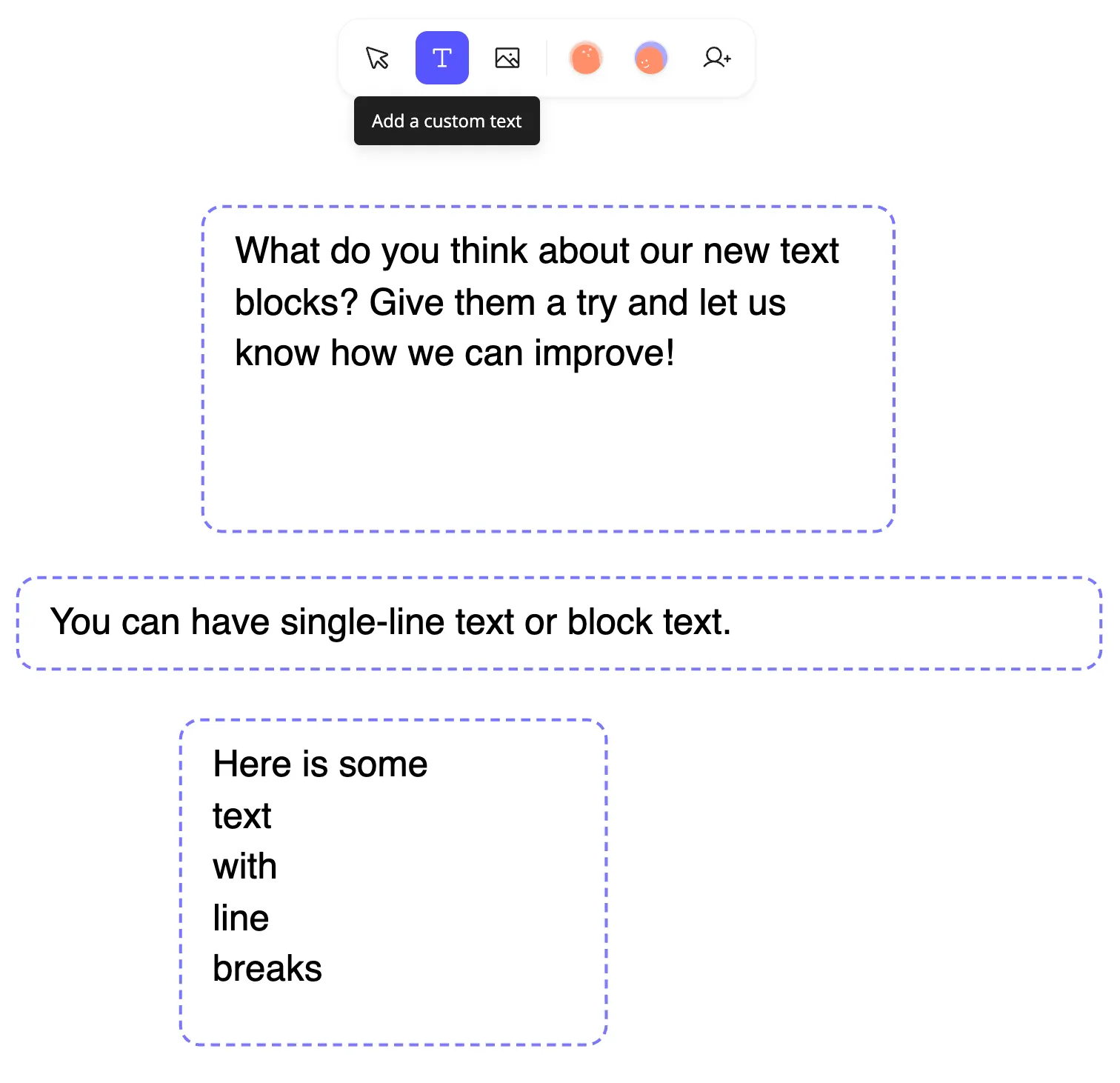
Text blocks are easier to edit and resize. This makes signature prep faster and lets text blocks fit your documents better.
Every signature processed through Subnoto stays private and secure. We keep your documents encrypted at all times, even during processing.
Try these updates at app.subnoto.com.
Questions or feedback? Reach out to us from directly in the app. Don’t have an account yet? Get started for free today.